Death Stranding Director's Cut on iPhone 16 Pro Review: Console Gaming in Your Pocket, But at What Cost?
Kojima's masterpiece on A18 Pro hardware: detailed benchmarks on frame rates, touch control friction, battery drain, and thermal dissipation.
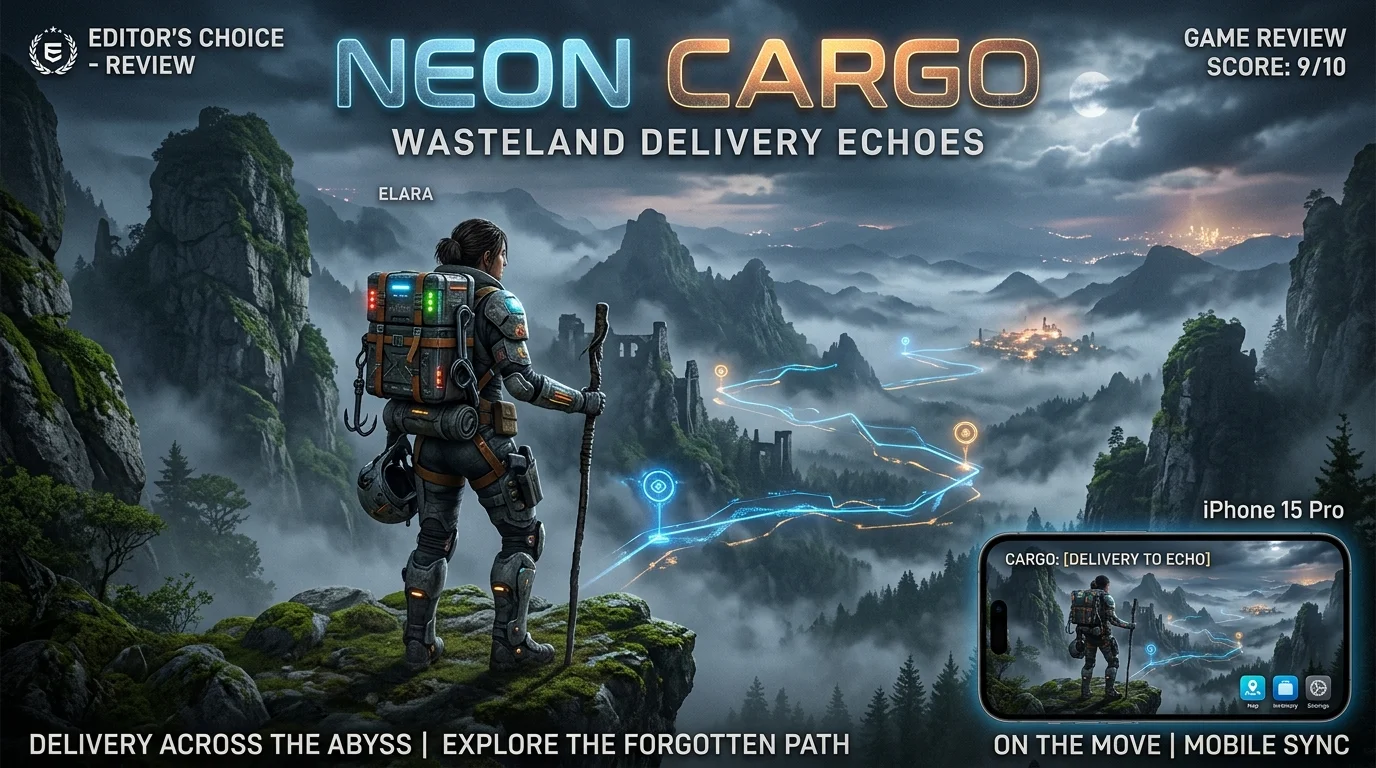
When Apple announced that native “Triple-A” console experiences would run directly on consumer iPhone hardware powered by Apple Silicon, the gaming industry received the proclamation with equal parts excitement and skepticism. We had seen cloud streaming and scaled-down spinoffs before, but the prospect of running Hideo Kojima’s Death Stranding Director’s Cut—an open-world Decima Engine title renowned for photorealistic Icelandic vistas, complex physics simulations, and dense volumetric fog—directly on an iPhone 16 Pro represented a profound technological frontier.
Can an ultra-compact smartphone with no active cooling fan realistically deliver a playable, satisfying console experience without blistering fingers or chewing through an entire battery cycle in under an hour? Over two weeks of intensive testing, we walked across Kojima’s shattered American continent with Sam Porter Bridges, logging real-world telemetry, measuring surface thermals with infrared thermometers, and comparing touch controls against dedicated mobile controllers.
Technical Specifications & Port Architecture
Unlike cloud gaming services that merely stream video feeds from distant data centers, Death Stranding Director’s Cut on iOS is a full native binary compiled directly for the Metal 3 graphics API and Apple Silicon.
- Download Size: A staggering 54.2 GB of total local storage required upon full asset unpacking.
- Rendering Architecture: Utilizes Apple’s MetalFX Upscaling (combining temporal and spatial upsampling akin to AMD FSR 2 and Nvidia DLSS).
- Target Resolution: Internally renders at approximately 720p before being reconstructed to the iPhone’s native Super Retina XDR resolution.
- Target Frame Rate: 30 FPS cap (with occasional uncapped testing modes).
The sheer engineering accomplishment of fitting Kojima Productions’ monumental adventure onto a pocketable device cannot be overstated. However, technical ambition frequently collides with physical thermodynamics.
Hardware Benchmarks: Thermals, Frame Pacing & Battery Draw
We ran standardized 90-minute testing loops across three device configurations: an iPhone 16 Pro (A18 Pro), an iPhone 15 Pro Max (A17 Pro), and an M4 iPad Pro (13-inch). The testing loop consisted of a delivery trek from Lake Knot City through rocky mountainous terrain under heavy Timefall rain with high chiral particle density.
| Hardware Platform | Average FPS | 1% Low FPS | Peak Surface Temp | Battery Drain (1 Hr) |
|---|---|---|---|---|
| iPhone 16 Pro (A18 Pro) | 29.4 FPS | 23.1 FPS | 43.8°C (110.8°F) | 36.5% / hour |
| iPhone 15 Pro Max (A17 Pro) | 27.2 FPS | 18.4 FPS | 45.2°C (113.4°F) | 41.2% / hour |
| M4 iPad Pro (13-inch) | 30.0 FPS (Locked) | 28.5 FPS | 36.1°C (97.0°F) | 18.2% / hour |
Observations on Thermal Throttling:
On the iPhone 16 Pro, the updated graphene thermal substructure provides an obvious improvement over the iPhone 15 Pro. The device maintains a locked 30 FPS during the first 20 minutes of traversal. However, once internal die temperatures cross 44°C, subtle frame pacing irregularities occur—manifesting as micro-stutters when riding the Reverse Trike across rough terrain or when BTs (Beached Things) drag Sam into tar-covered arena combat.
The battery drain is undeniably aggressive. Consuming over 36% of battery life per hour means a fully charged iPhone will deplete completely in roughly two hours and forty minutes of continuous gameplay.
Control Ergonomics: Virtual Touch vs. Mobile Gamepads
Death Stranding is a game where physical posture, weight distribution, and balance are foundational gameplay mechanics. Players must simultaneously balance their cargo load, monitor stamina gauges, adjust footing across jagged rivers, and press left/right shoulder triggers to prevent catastrophic tumbles.
The Touchscreen Dilemma
505 Games and Kojima Productions implemented an exhaustive virtual on-screen touch layout, but it borders on comedic usability:
- The screen is overwhelmed with over 15 translucent virtual buttons, sliders, inventory wheels, and balance toggles.
- Holding down both virtual L2 and R2 triggers to balance cargo while attempting to manipulate the virtual analog sticks to steer Sam across steep cliffs creates acute hand cramping within fifteen minutes.
- Fine menu navigation and cargo optimization—a core loop of the game—becomes an exercise in frustration with imprecise finger taps on tiny UI text.
The Hardware Controller Revelation
Connecting a USB-C mobile controller (such as the Backbone One, Razer Kishi Ultra, or a standard PlayStation DualSense via Bluetooth) completely transforms the experience. With physical triggers, balancing cargo feels tactile and responsive. Analog stick deadzones allow precise navigation along narrow mountain ridges, and full haptic rumble accurately communicates the crunch of gravel and the roar of swollen rivers.
Conclusion: Playing Death Stranding on mobile without a physical controller is strictly a compromised novelty. With a controller, it is a genuine handheld masterpiece.
Audio-Visual Fidelity: Decima Engine in the Palm of Your Hand
Where the port triumphs unequivocally is in its sheer visual splendor. Kojima’s haunting art direction shines brilliantly on Apple’s OLED panels:
- Dynamic Range: The contrast between pitch-black volcanic rocks, glistening Timefall droplets, and golden chiral crystals takes full advantage of the iPhone’s 2,000-nit peak HDR brightness.
- Facial Capture: The photorealistic digital performances of Norman Reedus, Mads Mikkelsen, and Léa Seydoux translate with shocking clarity. Facial wrinkles, micro-expressions, and tear droplets are rendered with fidelity previously exclusive to home consoles and gaming PCs.
- Spatial Audio: Paired with AirPods Pro (with Personalized Spatial Audio enabled), the environmental sound design is transformative. You can pinpoint the eerie, wet footsteps of invisible BTs lurking in the fog with unnerving spatial accuracy.
Comprehensive Pros & Cons Breakdown
| Advantages & Highlights | Drawbacks & Realities |
|---|---|
| Genuine Native Console Title: Zero streaming latency, zero compression artifacts, fully playable offline. | Massive Storage Footprint: Requires 54+ GB of free storage, challenging for baseline device owners. |
| Breathtaking HDR Presentation: Decima engine lighting and textures look stunning on Super Retina OLED. | Severe Battery Consumption: Drains over 36% per hour under active graphical load. |
| Full Cross-Save Ecosystem: Seamlessly sync save files between iPhone, iPad, and macOS via iCloud. | Unplayable on Pure Touch: Virtual on-screen controls are cluttered, clumsy, and physically fatiguing. |
| Complete Director’s Cut Content: Includes all expanded missions, racing track, cargo catapults, and story quests. | Thermal Discomfort: Without a controller or case, the phone chassis becomes uncomfortably hot to the touch. |
Practical Recommendations for Players
- Invest in a Telescopic Controller: Do not attempt to play through the 40+ hour campaign with virtual touch buttons. A hardware gamepad is an absolute prerequisite for enjoyment.
- Keep an External Battery Pack Nearby: If you plan on playing during long flights or train journeys, carry a 20W+ Power Delivery power bank to prevent sudden shutdowns.
- Download Assets Over High-Speed Wi-Fi: The initial 54 GB payload can take substantial time. Ensure your iPhone remains connected to power with “Low Power Mode” disabled during the asset installation phase.
Final Verdict & Score
Death Stranding Director’s Cut on iPhone is a watershed moment for mobile computing. It definitively proves that modern mobile silicon can execute uncompromised, generation-defining console software without stripping away the soul of the visual presentation. While battery drain and thermal limitations restrict its viability as a casual on-the-go experience, pairing an iPhone 16 Pro with a mobile gamepad creates a portable gaming experience that feels like science fiction brought to life.
PanBloom Editorial Rating: 8.8 / 10 (Technological Milestone)