The Best Mobile Applications for Cataloging, Organizing, and Reading Digital Manga Series
An in-depth, hands-on review of top mobile manga readers and cataloging suites. We evaluate official publishers, local archive viewers, cloud sync engines, and tracking integrations.
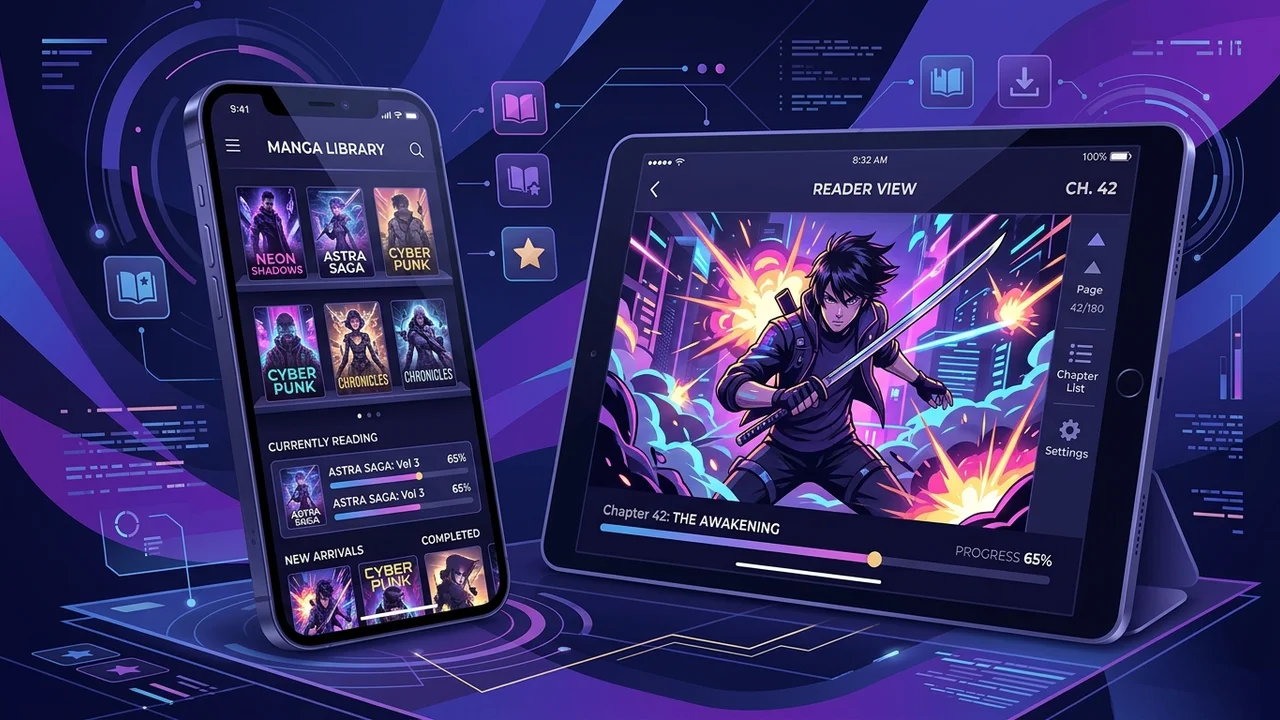
Reading digital manga on modern smartphones and tablets is one of the most compelling use cases for high-resolution OLED and mini-LED mobile displays. With pixel densities routinely exceeding 400 PPI and deep, ink-black contrast ratios, a calibrated mobile display renders intricate screentone textures, delicate cross-hatching, and dramatic ink spreads with greater visual fidelity than traditional pulp paper printings.
However, the software landscape for digital manga enthusiasts is notoriously fragmented. Digital manga readers generally fall into three distinct camps:
- Official publisher subscription storefronts offering licensed simultaneous releases (simulpubs).
- Local archive readers designed to render personal collections of digitized CBZ, CBR, and PDF files.
- Advanced cataloging engines and self-hosted client interfaces that bridge personal media servers (such as Komga or Kavita) with automated metadata tracking services like AniList and MyAnimeList.
To help you curate the ultimate mobile manga library, we spent three weeks field-testing the premier mobile manga applications across Android tablets, foldables, iPhones, and iPads. We analyzed rendering engines, continuous-scroll frame rates, gesture navigation responsiveness, cloud synchronization, and library management capabilities.
Evaluation Testbed & Benchmarking Criteria
Our review was conducted across a diverse range of hardware to evaluate both pocket portability and expansive tablet reading experiences:
- Google Pixel Fold & Samsung Galaxy Z Fold 6: Tested for foldable aspect-ratio switching, seamless inner display dual-page spreads, and hinge flex modes.
- iPad Pro 11-inch (M4 OLED): Evaluated for 120Hz ProMotion gesture fluidity, Apple Pencil annotations, and Apple Silicon hardware scaling.
- Samsung Galaxy Tab S9 (OLED, Android 14): Tested for micro-SD card read latencies with massive multi-gigabyte CBZ archives and e-ink contrast profiles.
- iPhone 16 Pro: Evaluated for single-handed portrait ergonomics and HDR rendering.
What We Look For in an Elite Manga Reader
- Rendering Performance & Scrolling Mechanics: Absence of stutter during fast continuous-scroll passes; instantaneous page turns in right-to-left (RTL) mode.
- Dual-Page Spread Detection: Automatic splitting or stitching of landscape two-page splash panels without cropping essential line art.
- Metadata Scrobbling: Real-time synchronization of read chapters with tracking databases (AniList, MyAnimeList, Kitsu).
- Storage Hygiene: Efficient local caching, background compression, and seamless external SD card or USB-C drive mounting.
1. Mihon (Android): The Definitive King of Power-User Customization
For Android users who manage extensive personal archives or link to self-hosted media servers, Mihon (the direct open-source successor to the legendary Tachiyomi codebase) remains the gold standard in mobile manga reading architecture.
┌────────────────────────────────────────────────────────┐
│                   MIHON ARCHITECTURE                   │
├────────────────────────────────────────────────────────┤
│  [UI Layer: Material You Dynamic Theming]              │
│       │                                                │
│  [Unified Reading Engine]                              │
│   ├── Left-to-Right / Right-to-Left (Manga)            │
│   ├── Continuous Vertical Scroll (Webtoon)             │
│   └── Dual-Page Landscape Splitter                     │
│       │                                                │
│  [Backend Storage & Sync]                              │
│   ├── Local Storage (/storage/emulated/0/Manga)        │
│   ├── Self-Hosted Server (Komga / Kavita via OPDS)     │
│   └── Metadata Scrobblers (AniList, MAL, Kitsu)        │
└────────────────────────────────────────────────────────┘
Reading Experience & Engine Capabilities
Mihon’s custom rendering pipeline is remarkably fast. Whether you are navigating a 200-chapter standalone collection or a high-resolution 100MB scan of an artbook, page rendering is instantaneous. The reader supports:
- Right-to-Left (RTL) Japanese traditional reading mode with configurable tap zones.
- Webtoon Mode: A continuous vertical scroll mode with customizable page padding, background color matching, and hardware-accelerated inertia scrolling that completely eliminates tear lines.
- Automatic Crop Borders: Uses computer-vision edge detection to trim wasted white paper margins, automatically magnifying panels on smaller smartphone displays.
- Color Filters & Inversion: High-contrast OLED dark modes, grayscale smoothing, and custom color profiles that protect night-vision during late-night reading sessions.
Library Organization & Metadata Tracking
Mihon excels at autonomous library hygiene. You can organize your library into granular custom categories (e.g., Currently Reading, Completed, On Hold, Weekly Releases). When you complete a chapter, Mihon can automatically scrobble your progress to your connected AniList, MyAnimeList, or Kitsu accounts in the background.
Verdict: The absolute best overall manga platform on Android for users who demand deep control, custom storage management, and comprehensive tracking.
2. Panels (iOS / iPadOS): The Epitome of Polished Design and Cloud Sync
While iOS users lack sideloaded open-source architectures like Mihon, Panels stands out as the most visually exquisite, fluid comic and manga reader available in the Apple ecosystem.
User Interface and Ecosystem Integration
Panels embraces Apple’s human interface design language with liquid animations, frosted glass navigation bars, and haptic feedback on page turns.
- Dynamic Dual-Page Spreads: On iPadOS, Panels intelligently evaluates aspect ratios. When rotated to landscape, it automatically binds single pages into authentic two-page spreads while recognizing whether the document reads Western (LTR) or Japanese (RTL).
- ProMotion 120Hz Animation: Page transitions feel physical, matching the exact inertia of your finger gesture.
- Split-View & Stage Manager Support: Seamlessly browse web references or Discord discussion boards while keeping a manga volume active in split-screen.
Cloud Storage and Streaming Without Local Bloat
The standout feature of Panels is its cloud integration. Rather than forcing you to tether your iPad to a Mac via Finder, Panels connects natively to:
- Google Drive, Dropbox, OneDrive, and Box
- iCloud Drive
- Nextcloud, WebDAV, and SMB Network Shares
You can browse remote directories and stream CBZ or CBR archives directly over your local Wi-Fi network without permanently occupying internal storage space on your device.
Verdict: The premium choice for iPhone and iPad users who value exquisite typography, flawless gestures, and effortless cloud streaming from home network storage.
3. MANGA Plus by Shueisha & Shonen Jump: The Legal Simulpub Giants
For readers whose primary focus is reading ongoing mainstream hits (Jujutsu Kaisen, Chainsaw Man, One Piece, Spy x Family) directly from official creators on release day in Japan, official publisher apps offer unmatched convenience.
MANGA Plus by Shueisha (Android / iOS)
- First-Read Free Model: MANGA Plus allows global readers to read the latest chapters of ongoing Weekly Shonen Jump series simultaneously with their Japanese release for free.
- Max Plan Tier: Introduced a flexible tiered subscription that unlocks back-catalogs of hundreds of complete series without coin systems or timed chapter unlocks.
- Strengths: Guaranteed official translation quality, zero piracy risks, and direct financial royalty support for manga authors.
- Weaknesses: The interface can feel rigid. The horizontal reader lacks advanced scaling options, and the vertical reader occasionally suffers from minor compression artifacts on fine screentone gradients.
VIZ Shonen Jump
- At just $2.99 per month, the VIZ Shonen Jump digital vault remains one of the greatest values in all of entertainment, granting access to 100 chapters per day across thousands of legendary volumes.
- Highly stable, uncluttered user interface with bookmark synchronization across Android, iOS, and web browsers.
4. Chunky Comic Reader (iPadOS): The Beloved Veteran for Local Archives
No digital comic discussion is complete without mentioning Chunky Comic Reader. Although its interface has adopted a retro aesthetic compared to modern SwiftUI apps, Chunky remains beloved for its image upscaling algorithms.
- Intelligent Image Upscaling: Chunky incorporates contrast-aware sharpening and anti-aliasing filters that clean up lower-resolution digital scans, making vintage 1980s and 1990s manga look surprisingly crisp on modern Retina displays.
- Automatic Color Correction: Fixes yellowed paper tints or faded ink tones in vintage scans with a single toggle.
- Self-Hosted Transfer: Chunky includes a built-in local web server: type the iPad’s local IP address into any computer browser to drag-and-drop gigabytes of manga archives directly over Wi-Fi without cables.
Comprehensive Feature Matrix & Comparison
The following table summarizes the real-world performance, feature sets, and platform compatibility of our evaluated readers:
| Feature / Metric | Mihon (Android) | Panels (iOS/iPadOS) | Shonen Jump / MANGA Plus | Chunky (iPadOS) |
|---|---|---|---|---|
| Supported Platforms | Android (APK / GitHub) | iOS, iPadOS, macOS | Android, iOS, Web | iPadOS |
| Pricing | 100% Free & Open-Source | Free / $2.99/mo (Panels+) | Free / $2.99 – $4.99/mo | Free / $3.99 Pro Unlock |
| File Formats Supported | CBZ, CBR, ZIP, Folders, OPDS | CBZ, CBR, PDF, EPUB | Proprietary DRM Stream | CBZ, CBR, PDF, Folders |
| Simulpub Licensing | Self-sourced / Server-only | Self-sourced / Local-only | Official Simultaneous Releases | Self-sourced / Local-only |
| AniList / MAL Sync | Native Automated Scrobbling | Manual / Basic | None | None |
| Cloud Streaming | OPDS / Komga / Kavita | Google Drive, SMB, Nextcloud | Cloud Native CDN | Wi-Fi Web Transfer, Dropbox |
| Spread Detection | Excellent (Customizable) | Best-in-Class (Automated) | Rigid (Static Pages) | Excellent (Auto-stitch) |
| Best Suited For | Archival & self-hosted power users | iPad owners & cloud streamers | Legal mainstream simulpub readers | Vintage scan enthusiasts |
Pro-Tips for Optimizing Your Mobile Manga Reading Setup
To extract the highest visual fidelity from your mobile reading device, configure these critical display parameters:
- Configure Screen Calibration: On AMOLED displays, set your display color profile to Natural or sRGB rather than “Vivid.” Manga is illustrated in monochrome or calibrated CMYK/RGB color palettes; over-saturated display profiles blow out subtle gray screentone gradations and introduce moiré patterning.
- Standardize on CBZ over CBR: If you digitize your own physical tankōbon volumes, always archive them as
.cbz(ZIP compression) rather than.cbr(RAR compression). CBZ files require significantly lower CPU decompression overhead, leading to faster page-flip latency and noticeably longer battery endurance. - Connect a Dedicated Media Server: If your manga collection exceeds 100GB, do not store it entirely on your phone’s internal flash storage. Host a local Komga or Kavita docker container on a home PC or NAS. Both Mihon and Panels can stream remotely via OPDS, saving your phone’s storage for offline travel packs.
Final Verdict & Recommendations
- If you use Android: Install Mihon. Its open-source architecture, automated AniList progress scrobbling, margin cropping, and expansive plugin ecosystem provide the undisputed premier reading experience on smartphones and foldables.
- If you read on an iPad: Purchase the Pro tier of Panels. Its butter-smooth 120Hz gesture navigation, automatic dual-page spread handling in landscape, and direct cloud streaming make it the gold standard for Apple tablets.
- If you want legal, effortless current releases: Subscribe to VIZ Shonen Jump and bookmark MANGA Plus. The convenience of official, day-and-date translations directly supporting authors for pennies a day is impossible to beat.