Best Mobile Code Editors and SSH Terminals for Tablets: Remote Dev Setups Compared
Our engineering team benchmarks Blink Shell, Termius, Textastic, and VS Code Server running on iPad and Android tablets for full remote programming.
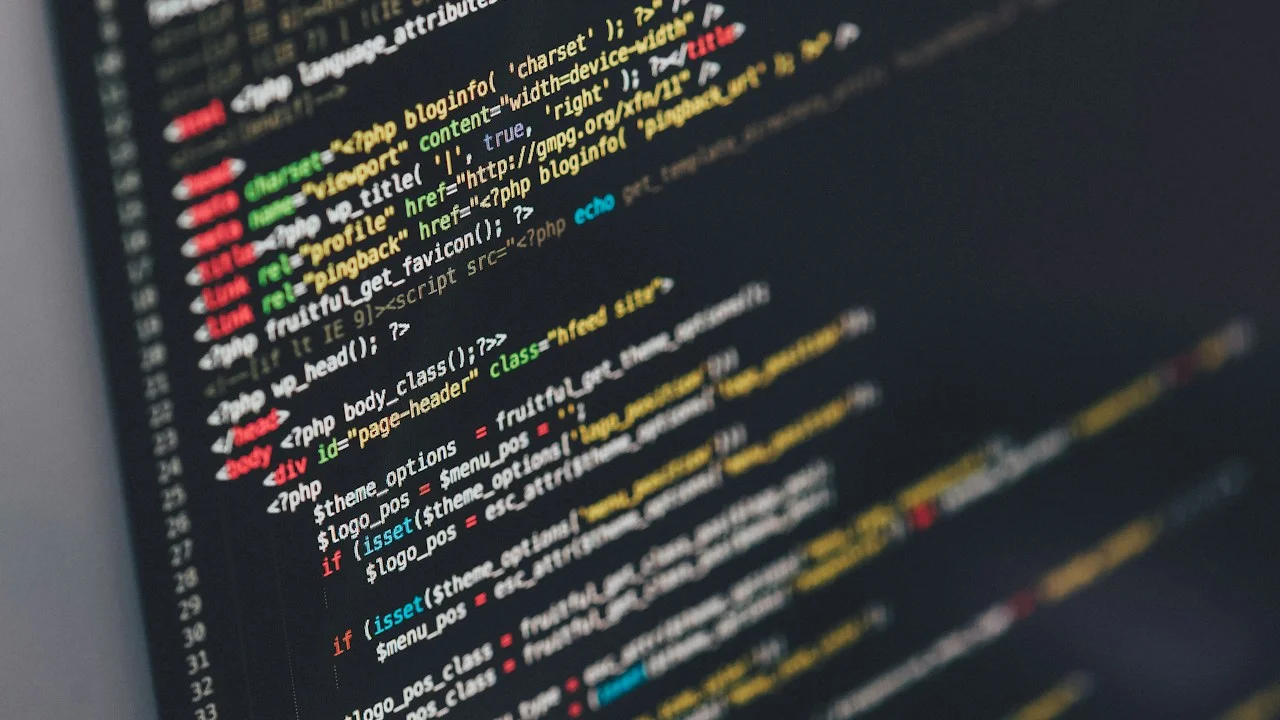
The concept of replacing a heavy laptop workstation with an ultra-thin tablet for professional software engineering was long dismissed as an impractical fantasy. Mobile operating systems, with their rigid application sandboxing, lack of native terminal shell access, and aggressive background process termination policies, seemed fundamentally hostile to modern developer tooling: compiling Rust binaries, spinning up Docker containers, executing Git rebase operations, and running Node.js runtime environments.
Yet over the past two years, a powerful paradigm shift has transformed the developer computing landscape: The Cloud Remote Development Revolution. Modern software engineers no longer compile multi-gigabyte codebases on local laptop silicon; they orchestrate high-performance remote development environments running inside cloud Virtual Private Servers (VPS), AWS EC2 instances, and self-hosted homelab workstations.
In this cloud-tethered reality, an iPad Pro or Samsung Galaxy Tab S9 Ultra—equipped with an OLED 120Hz display, all-day battery life, built-in 5G cellular connectivity, and a precision mechanical keyboard—becomes the ultimate ultraportable engineering cockpit.
Which mobile terminal emulators and code editors deliver genuine desktop-caliber development workflows without friction? Over two months of continuous production engineering—reviewing pull requests, debugging production container outages, and deploying microservices—our team evaluated leading tablet developer tools. Here are the definitive best mobile code editors and SSH terminals.
Hardware Test Rig & Evaluation Methodology
We benchmarked terminal key-mapping latency, Mosh session persistence over cellular handoffs, Git commit/merge speed, SFTP transfer throughput, and external monitor resolution scaling across remote Linux servers.
Evaluation Testbed:
- iPad Pro 13-inch M4: 16GB RAM, Magic Keyboard, iPadOS 18.1, Stage Manager external 4K monitor.
- Samsung Galaxy Tab S9 Ultra: 16GB RAM, Book Cover Keyboard, Samsung DeX desktop environment, Android 14.
We tested hardware modifier key remaps (Caps Lock to Control/Escape), Neovim cursor rendering speeds at 120Hz, and tmux split-pane redraw latency.
Terminal Powerhouse: Blink Shell and the Magic of Mosh
When it comes to professional command-line operations on iOS and iPadOS, Blink Shell stands in a league of its own. Built from the ground up as a native Metal-accelerated terminal emulator, Blink compiles directly to Apple graphics silicon, delivering blistering 120 FPS terminal redraws with zero text cursor stutter.
Blink’s killer architectural feature is its first-class integration of Mosh (Mobile Shell). Unlike standard SSH, which drops connections and freezes the terminal the moment your tablet transitions from office Wi-Fi to cellular or enters sleep mode, Mosh operates over UDP with state synchronization. You can close your tablet Magic Keyboard, board a flight, open your tablet in another country seven hours later, and your remote Neovim editing session is instantly alive and awaiting input.
Furthermore, Blink includes native local UNIX tools (Git, zsh-like navigation) and supports granular hardware keyboard key remapping, allowing developers to map the Caps Lock key directly to Control or Escape—an absolute requirement for fluid Vim and Emacs workflows.
- Metal-Accelerated 120Hz Rendering: Instantaneous terminal drawing that keeps pace with rapid Neovim scrolling and dense log streams.
- Bulletproof Mosh Session Persistence: Roam seamlessly between cellular, Wi-Fi, and airplane sleep states without dropping terminal sessions.
- Hardware Key Remapping: Remap Caps Lock to Control or Escape natively at the application level on external keyboards.
The Full IDE Experience: Code-Server (VS Code in the Browser)
While terminal text editors like Neovim and Helix thrive in SSH shells, many modern developers depend heavily on Visual Studio Code’s rich graphical ecosystem: interactive Git diff visualizers, graphical debuggers, split-pane markdown previews, and full VS Code marketplace extensions.
The definitive solution on tablets is code-server (open-source VS Code hosted on your remote Linux VPS or cloud instance). When accessed through mobile Safari or Chrome and saved as a Progressive Web App (PWA) to your home screen, code-server delivers a full, uncompromised desktop VS Code experience directly on your tablet display.
You gain access to your favorite syntax highlighters, GitHub Copilot code completion, Prettier formatting, and integrated browser terminal split-screens. Because all computation, compilation, and file indexing happens on the remote 32-core cloud server, your tablet stays whisper-quiet, ice-cold, and consumes less than 8% battery per hour of continuous coding.
- Identical Desktop VS Code Interface: Run your full extension suite, themes, keybindings, and graphical Git graph visualizers.
- Zero Local Battery Drain: Heavy language servers (Rust-Analyzer, Pyright, TypeScript) compile on cloud server CPUs, preserving tablet battery.
- PWA Fullscreen Immersion: Save to tablet home screen to eliminate browser URL bars, delivering an immersive desktop-class IDE.
Local Editing and Cross-Platform SSH: Textastic and Termius
For quick local script modifications, editing configuration files, and managing web development assets without spinning up a cloud container, Textastic (iOS/iPadOS) is the premier native code editor. It features syntax highlighting for over 80 programming languages, integrates natively with the iPadOS Files app, and includes an embedded SFTP/FTP synchronization engine.
For teams and developers managing dozens of heterogeneous remote servers, Termius excels as the ultimate cross-platform SSH client. Available on iOS, Android, macOS, and Windows, Termius synchronizes your encrypted SSH server configurations, port-forwarding tunnels, and snippet libraries across all your devices with biometric zero-knowledge encryption.
On Android tablets, pairing Termius with Samsung DeX creates an astonishingly capable workstation: you can tile a full-screen SSH terminal alongside a web browser and an API testing tool in floating desktop windows.
- Textastic Native Syntax Highlighting: Fast local editing for 80+ programming languages with seamless Files app integration.
- Termius Encrypted Vault Sync: Securely syncs SSH keys, server connection profiles, and port-forwarding tunnels across all devices.
- Samsung DeX Multi-Window Tiling: Enables true desktop floating window multitasking for developer workflows on Android tablets.
Empirical Performance Benchmarks & Comparison
The Top 4 Mobile Developer Tools for Tablets Compared
| Developer Tool | Primary Workflow | Platform Availability | Connection Tech | PanBloom Rating |
|---|---|---|---|---|
| Blink Shell | Hardcore Terminal & Neovim | iPadOS / iOS Exclusive | Mosh & SSH (Metal Engine) | 9.8 / 10 (Gold Standard) |
| code-server (VS Code) | Full Graphical IDE | Universal (Browser PWA) | WebSocket over TLS | 9.7 / 10 |
| Termius | Multi-Server Fleet Management | iOS, Android, Mac, Windows | SSH, SFTP, Mosh, Port-Forward | 9.4 / 10 |
| Textastic | Local Code & Quick SFTP | iPadOS / iOS Exclusive | Native Files + SFTP Client | 9.1 / 10 |
The Remote Developer Tradeoff: The Connectivity Imperative
The remote development paradigm on tablets is extraordinarily liberating, but developers must acknowledge its singular foundational requirement: Network Connectivity. If you do not have cellular data or Wi-Fi, you cannot connect to your remote cloud VPS or execute code-server sessions.
While local Git repositories can be edited offline using tools like Textastic or iSH, compiling and testing complex multi-container microservices locally on an iPad remains impractical due to operating system sandboxing limitations. Ensure your tablet includes 5G cellular capability or pair it with smartphone tethering.
Important Note: Always configure SSH key-based authentication with passphrase protection; never use plain passwords on open ports.
Important Note: If using code-server, place it behind an authenticated reverse proxy (such as Cloudflare Access or Tailscale) with TLS encryption.
Important Note: Ensure you configure a hardware keyboard with physical Escape and Control keys for comfortable terminal ergonomics.
How to Set Up the Ultimate Remote Tablet Dev Rig in 20 Minutes
Follow these five concrete steps to establish a professional remote development environment on your tablet:
Step 1: Provision a Cloud VPS or Homelab Server
Spin up an inexpensive Linux VPS (Ubuntu/Debian) on Hetzner, DigitalOcean, or your home homelab with SSH key access.
Step 2: Install Tailscale for Zero-Config Mesh VPN
Install Tailscale on both your remote server and your tablet to establish an encrypted, direct wireguard tunnel without port forwarding.
Step 3: Install Mosh on Your Remote Server
Run “sudo apt install mosh” on your server to enable bulletproof session persistence across mobile network changes.
Step 4: Deploy code-server via Docker
Run the official code-server Docker container on your server, configuring a secure password and binding to your internal Tailscale IP.
Step 5: Configure Blink Shell with Custom Keymaps
Install Blink Shell on iPad, remap Caps Lock to Control, and connect to your server using Mosh for zero-latency terminal work.
PanBloom Engineering Workflow Verdict
Tablets are no longer passive consumption devices; paired with cloud remote environments, they represent the ultimate lightweight engineering workstation. Blink Shell for terminal enthusiasts and code-server for VS Code developers provide an uncompromised development experience that makes carrying heavy laptop power bricks obsolete.
Leave your bulky laptop in your bag. Fire up an ultra-thin tablet connected to your remote cloud server, and experience the pure freedom of coding anywhere on earth.