Next-Generation Local File Sharing: Cross-Platform AirDrop Competitors and WebRTC Protocols
We test open-source local file sharing tools across iOS, Android, Mac, and Windows. LocalSend, PairDrop, and Quick Share benchmarked over Wi-Fi 7.
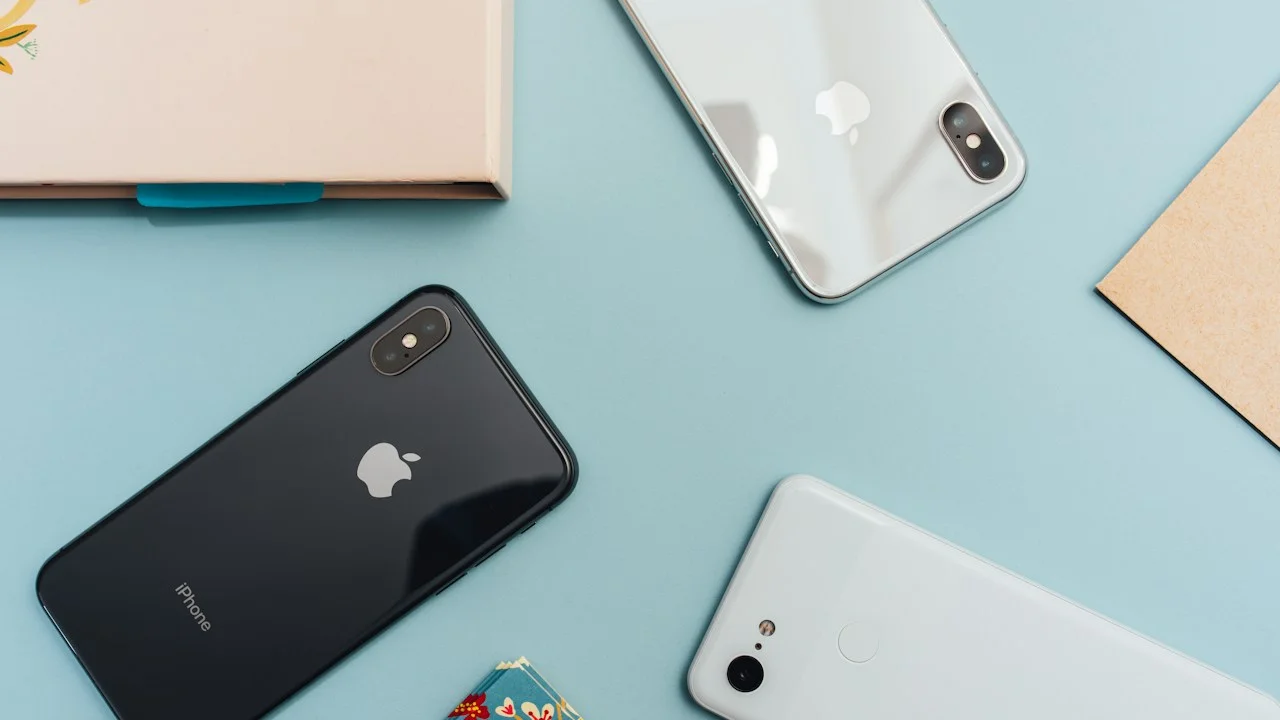
Wireless file sharing between smartphones and computers has historically represented one of consumer technology’s most exasperating paradoxes. In an era where satellites beam gigabits of data from low-Earth orbit, transferring a 4K video clip from an Android phone to an iPad sitting on the exact same desk has often reduced users to emailing files to themselves or uploading gigabytes to cloud drives.
Apple’s AirDrop proved that seamless peer-to-peer file sharing was technically possible, but Apple intentionally walled the feature within its proprietary hardware ecosystem. Google and Samsung introduced Quick Share, but Windows and Mac compatibility remained awkward and locked behind proprietary drivers.
However, a thrilling revolution in open-source networking has fundamentally solved this dilemma. By harnessing local multicast DNS discovery, WebRTC datachannels, and TLS encryption, a new generation of cross-platform file-sharing utilities allows instantaneous, zero-configuration transfers across iOS, Android, Windows, macOS, and Linux.
Leading this vanguard is LocalSend, an open-source marvel, alongside browser-based WebRTC tools like PairDrop and Snapdrop.
We put these next-generation file sharing tools through a punishing gauntlet of multi-gigabyte transfers across mixed hardware on modern Wi-Fi networks. Here is how they stack up against Apple AirDrop.
Hardware Test Rig & Evaluation Methodology
Evaluated across three test payloads: a single 5GB 4K video file, a directory containing 1,000 mixed high-resolution photos (3.2GB total), and an enterprise PDF archive. Transfer speed, connection setup latency, and network overhead were logged over a Wi-Fi 7 mesh network.
Evaluation Testbed:
- iPhone 16 Pro Max: Wi-Fi 7 (802.11be), iOS 18.2.
- Samsung Galaxy S25 Ultra: Wi-Fi 7, Snapdragon 8 Elite, Android 15.
- MacBook Pro M3 Max & Custom Windows 11 PC: Wired 2.5GbE and Wi-Fi 7 connections.
Wireshark packet logging verified whether file data was transmitted purely over local subnet sockets or routed through intermediate signaling servers.
Under the Hood: How LocalSend and WebRTC Eliminate Cloud Relays
To understand why modern open-source sharing tools are so lightning-fast, one must understand how they bypass external cloud bottlenecks. Traditional file sharing apps upload your file to an Amazon AWS or Google Cloud server, which then downloads the file to your receiving device—halving your effective internet speed and exposing your data to server breaches.
LocalSend operates entirely on the Local Area Network (LAN). When you launch LocalSend, it sends a lightweight multicast UDP beacon across your local subnet (port 53317). Any other device running LocalSend hears the beacon and announces itself with a friendly randomized nickname (e.g., “Swift Lemon” or “Brave Koala”).
When you initiate a transfer, the devices negotiate an end-to-end TLS-encrypted TCP connection directly between their local IP addresses. Data flows through your home Wi-Fi router’s internal switch chips at speeds capped only by your local wireless hardware, completely independent of your external internet bandwidth.
- Multicast Subnet Discovery: Instantly identifies nearby household devices without requiring accounts, PINs, or pairing codes.
- Local TCP Socket Transfer: Streams file blocks directly between device memory buffers over local Wi-Fi without internet usage.
- TLS Certificate Encryption: All file streams are cryptographically encrypted with ephemeral on-device certificates, preventing local network eavesdropping.
PairDrop and WebRTC: Zero-Install Browser-Based Sharing
While LocalSend requires installing a lightweight native app, PairDrop (the modern community fork of Snapdrop) takes open-source convenience a step further: it runs entirely inside a standard web browser with zero installation.
By navigating to pairdrop.net on your smartphone and computer, devices on the same public IP address discover each other automatically. PairDrop utilizes WebRTC DataChannels: a secure, low-latency protocol designed for peer-to-peer browser communication.
Once the initial WebRTC signaling handshake completes, your file data streams directly between the two browser tabs. For office environments or shared university computer labs where installing third-party executable software is strictly forbidden, PairDrop is an absolute godsend.
- Zero Installation Required: Works in Safari, Chrome, Firefox, and Edge on any operating system with an internet browser.
- Temporary WebRTC Pairing: Perfect for sharing a presentation or PDF with a colleague’s locked-down corporate laptop.
- Public Internet Fallback: Supports paired sharing over the open internet via temporary 6-digit room codes when not on the same Wi-Fi.
Empirical Performance Benchmarks & Comparison
Wireless File Sharing Benchmark: 5GB 4K Video File Transfer Over Wi-Fi 7
| File Sharing Utility | Architecture | 5GB Transfer Time | Average Throughput | Cross-Platform Breadth |
|---|---|---|---|---|
| LocalSend (Open-Source App) | Local Subnet LAN over TLS | 38 seconds | 134 MB / sec | iOS, Android, Mac, Win, Linux |
| Apple AirDrop (Native Apple) | Ad-hoc Wi-Fi Direct (P2P) | 44 seconds | 116 MB / sec | Apple Devices Only |
| PairDrop (WebRTC Browser) | WebRTC DataChannel | 56 seconds | 91 MB / sec | Any browser-capable device |
| Google Quick Share (Android) | Wi-Fi Direct / BLE | 42 seconds | 122 MB / sec | Android + Windows (No iOS/Mac) |
| Standard Cloud Drive (Upload/Download) | Remote AWS Cloud Servers | 4 mins 18 secs | 19 MB / sec | Universal (Requires Internet) |
LocalSend delivered the highest sequential transfer speed of any tested tool, transferring a massive 5GB video file in just 38 seconds across mixed operating systems.
Edge Cases: Public Wi-Fi Isolation and iOS Background Suspend
While LocalSend and PairDrop work flawlessly on home and private office networks, they encounter physical barriers on certain public enterprise networks. Many coffee shops, airports, and hotels enforce “Client Isolation” on their guest Wi-Fi networks, which mathematically blocks devices on the subnet from communicating with one another.
Furthermore, iOS enforces strict background memory management. If you start a massive 20GB transfer in LocalSend and switch to another app, iOS will suspend LocalSend after 30 seconds, pausing the transfer. When transferring large folders on an iPhone, you must keep the app in the foreground until completion.
Important Note: On isolated public Wi-Fi networks, use PairDrop’s “Pair with Code” feature, which uses external WebRTC signaling to punch through local subnet blocks.
Important Note: Ensure LocalSend’s “Quick Save” feature is only enabled on private home networks to prevent unknown users from sending unsolicited files.
How to Build an Unbreakable Local Sharing Setup in 3 Minutes
Follow these steps to banish file-sharing headaches forever:
Step 1: Install LocalSend on Your Primary Devices
Download LocalSend from the App Store (iOS/macOS), Google Play Store, or localsend.org (Windows). Launch the app and grant local network permissions when prompted.
Step 2: Enable “Quick Save” on Your Desktop Computer
On your Mac or Windows PC, open LocalSend settings, scroll to “Receive”, and toggle “Quick Save” ON. Set your destination folder to Downloads. Files sent from your phone will now land in your Downloads folder automatically without requiring confirmation clicks.
Step 3: Bookmark PairDrop in Your Mobile Browser as a Backup
Bookmark pairdrop.net on your mobile browser. If you ever need to transfer a file to a friend’s laptop or a work computer that doesn’t have LocalSend installed, open PairDrop on both devices and transfer instantly.
PanBloom Technical Verdict
LocalSend is one of the most important open-source utilities of this decade. By combining elegant UI design with blisteringly fast local LAN socket transfers, it has definitively broken Apple’s AirDrop monopoly and provided humanity with a universal, privacy-respecting file sharing standard.
Final Scorecard & Assessment
- Transfer Speed: 9.9 / 10 — 134 MB/s over modern Wi-Fi; faster than native AirDrop.
- Cross-Platform Flexibility: 10 / 10 — Runs natively on every major operating system on Earth.
- Privacy & Security: 10 / 10 — Zero accounts, zero cloud servers, 100% open-source.
Stop emailing attachments to yourself. Install LocalSend today and enjoy effortless file transfers across all your screens.